

Keeping your vehicle in top condition requires organization. Between oil changes, tire rotations, state inspections, and unexpected repairs, tracking everything manually can be a challenge. Fortunately, a new generation of car maintenance apps puts a powerful digital glovebox right on your smartphone. These tools help you manage service histories, monitor fuel economy, and even diagnose engine problems, saving you time and preventing costly future repairs. For drivers in Dallas, integrating these apps with local service providers like Kwik Kar can further simplify the entire process.
This guide is designed to help you find the best car maintenance apps for your specific needs. Whether you’re a daily commuter trying to remember your next oil change, a budget-conscious driver tracking every gallon of gas, or a fleet manager overseeing multiple vehicles, there's an app built for you. We'll move beyond simple feature lists to provide a detailed analysis of each option, covering everything from basic service reminders to advanced OBD-II diagnostics.
You'll find a curated selection of the top applications, each reviewed with a focus on practical use. We break down:
- Key Features: What makes each app stand out.
- Pros & Cons: An honest look at strengths and weaknesses.
- Best Use Case: Who the app is truly for.
- Pricing & Platforms: Availability and cost information.
Each entry includes screenshots and direct links, so you can quickly evaluate and download the right tool. Our goal is to give you a clear, straightforward resource to take control of your vehicle's health, keep detailed records, and connect seamlessly with your trusted Dallas auto service center. Let's dive into the top contenders.
1. CARFAX Car Care (myCARFAX)
As one of the best car maintenance apps for those seeking simplicity and automatic record-keeping, CARFAX Car Care excels at leveraging its vast data network. Instead of requiring manual data entry for every service, the app automatically populates your vehicle’s maintenance history based on reports from a wide network of service shops. This "set it and forget it" approach makes it ideal for drivers who want a low-effort way to track professional services.
The platform's standout feature is its direct integration with the main CARFAX database. When a shop like Kwik Kar reports your oil change or tire rotation, it appears in your Car Care profile, building a verifiable service timeline. This creates a valuable asset when you decide to sell the vehicle, as a well-documented history can increase buyer confidence. It also sends timely push notifications for safety recalls, a critical feature for ensuring your vehicle remains safe.
Key Details & Use Cases
| Feature | Details |
|---|---|
| Pricing | Completely free to use. |
| Platform | Available on Web, iOS, and Android. |
| Best For | Vehicle owners who primarily use service shops that report to CARFAX and want automated, hands-off maintenance tracking and recall alerts. |
Practical Tip for Dallas Drivers: After getting your vehicle serviced at a Kwik Kar location, check your CARFAX Car Care app a few days later. The service should automatically appear. You can then cross-reference this history with a standard car maintenance checklist to plan your next visit and stay ahead of future needs.
Pros:
- Free with no hidden costs.
- Automatic service history updates from participating shops.
- Reliable safety recall notifications directly from manufacturers.
Cons:
- Service history can have gaps if a shop doesn't report to CARFAX.
- DIY maintenance is not typically added to the official Vehicle History Report.
Link: CARFAX Car Care
2. Simply Auto (by Mobifolio)
Simply Auto is a top-tier car maintenance app for drivers who want a detailed, all-in-one digital logbook for their vehicle. It goes beyond basic service reminders by offering robust tracking for fuel fill-ups, ongoing expenses, and trip mileage, making it a powerful tool for budget-conscious owners and those who need records for business purposes. The platform shines with its cross-device synchronization, ensuring your data is accessible whether you are on your phone or a computer.
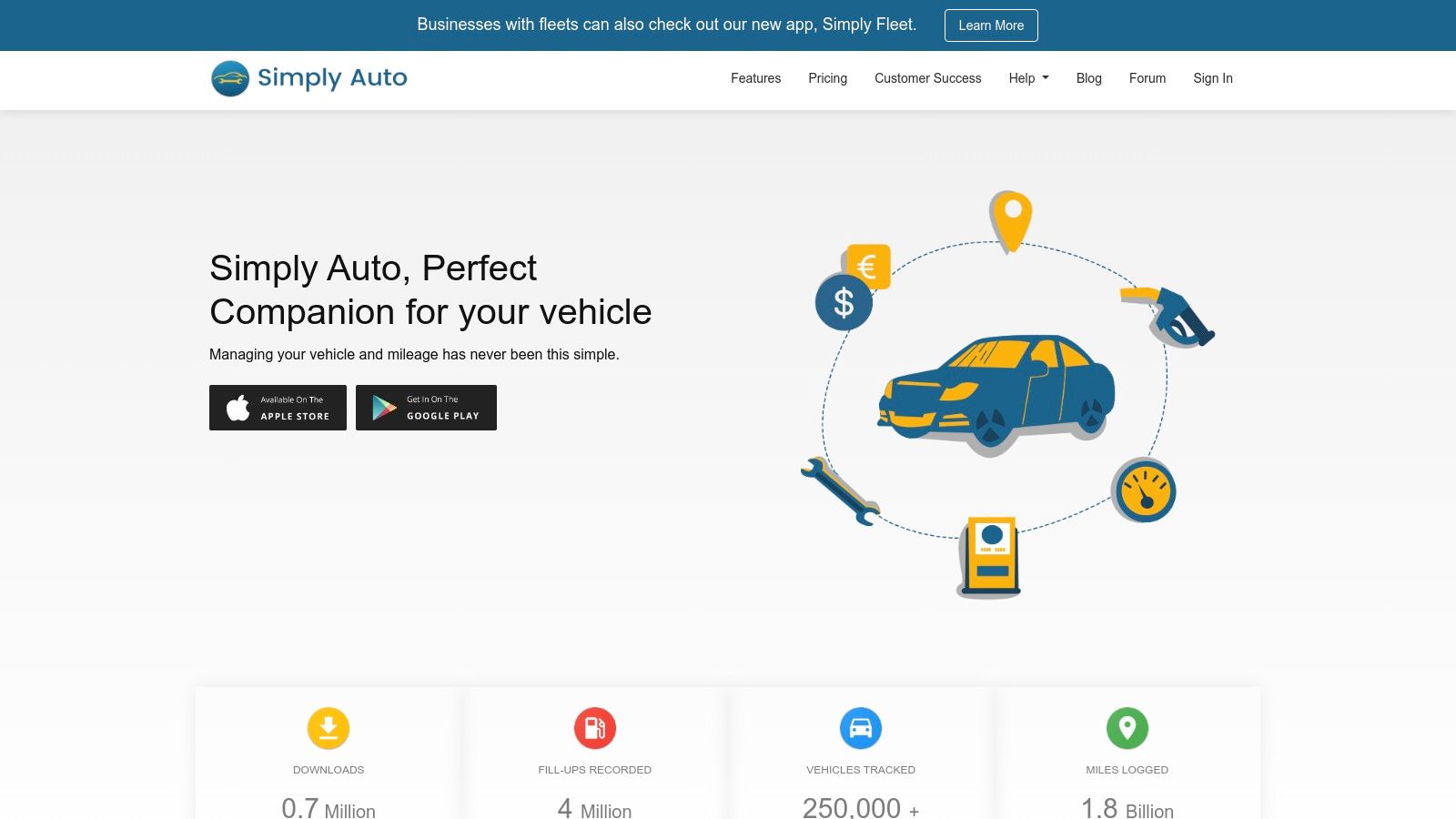
The app's standout feature is its detailed reporting and export functionality. You can generate graphs showing fuel economy over time, calculate your cost per mile, and export all your service and expense data to a CSV or PDF file. This is perfect for tax season or for providing a complete, organized history to a potential buyer. With support for multiple vehicles and drivers under a single account, it’s also a scalable solution for families or small businesses.
Key Details & Use Cases
| Feature | Details |
|---|---|
| Pricing | Free basic version; Pro/Business tiers available with a one-time purchase or subscription for advanced features like cloud backup and reporting. |
| Platform | Available on Web, iOS, and Android. |
| Best For | Meticulous vehicle owners, DIY mechanics, and small business operators who need detailed expense, fuel, and service logs with easy export options. |
Practical Tip for Dallas Drivers: After getting an oil change at Kwik Kar, immediately log the service and cost in Simply Auto. Snap a picture of the receipt and attach it to the entry. This creates an undeniable record of the service, date, and mileage, which you can easily export later for expense reports or to show a future buyer.
Pros:
- Comprehensive tracking for services, fuel, and other expenses.
- Excellent data export and reporting features.
- Cross-platform sync across iOS, Android, and web.
Cons:
- Some key features, like automatic cloud backup, require a paid upgrade.
- The interface can feel busy for users who only need simple reminders.
Link: Simply Auto
3. Fuelly (Fuelly: MPG & Service Tracker; aCar on Android)
For drivers who are as meticulous about fuel economy as they are about maintenance, Fuelly stands out as one of the best car maintenance apps. Its primary strength lies in detailed MPG tracking, allowing users to log every fill-up and analyze their vehicle’s efficiency over time. This data-centric approach extends to service logging, making it a strong all-in-one solution for those who want to see how maintenance impacts performance.
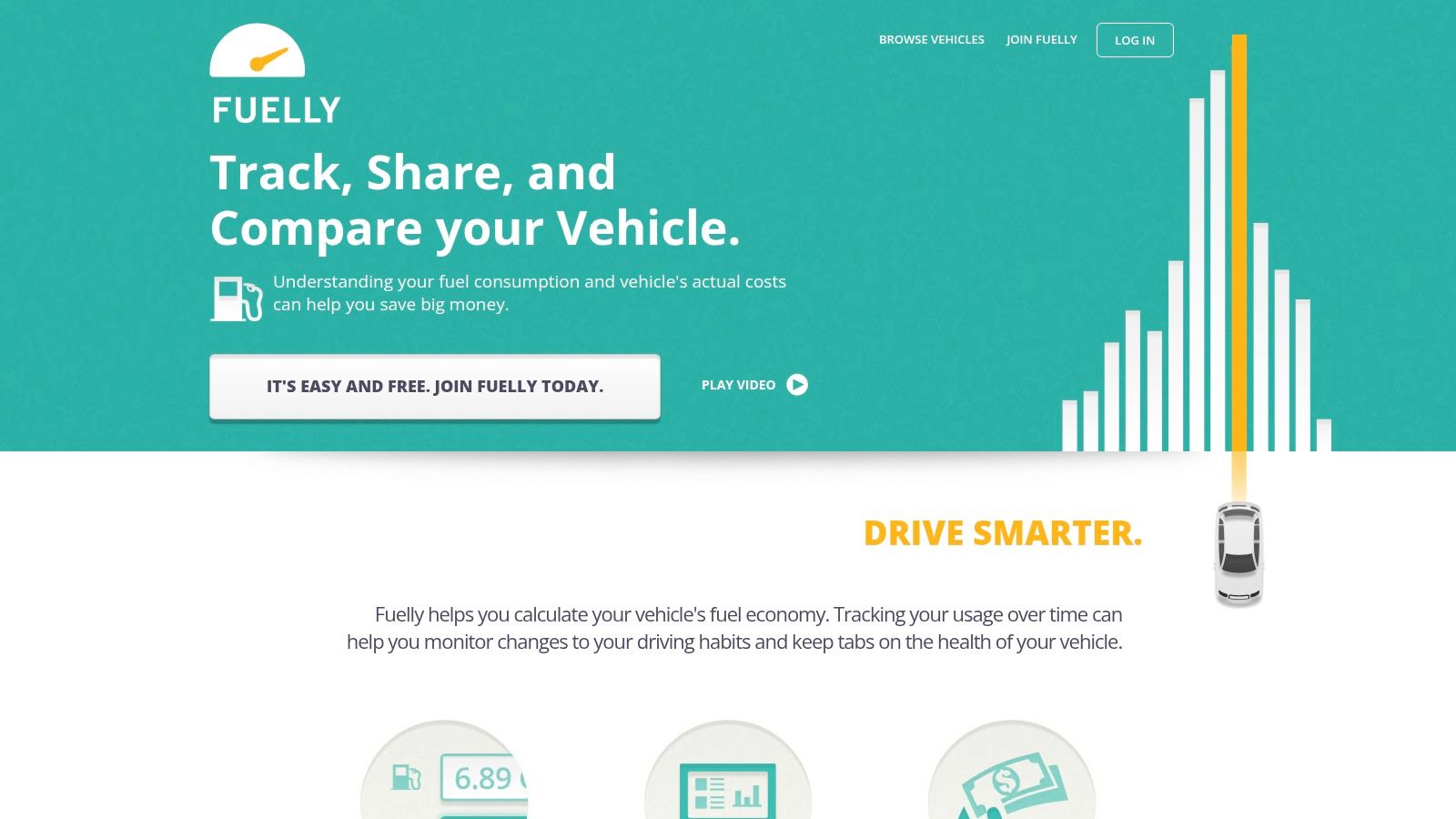
The platform syncs data between its iOS app, the dedicated aCar app for Android, and the Fuelly.com website, ensuring your records are always accessible. This web access is a significant advantage, providing tools for data export and deeper analysis on a larger screen. While its core features are free, a premium subscription unlocks the ability to attach photos and documents to service records, perfect for keeping digital copies of receipts.
Key Details & Use Cases
| Feature | Details |
|---|---|
| Pricing | Free for core features. A paid subscription is required for advanced features like photo attachments. |
| Platform | Available on Web, iOS, and Android (via the aCar app). |
| Best For | Data-driven owners who want to track fuel efficiency alongside maintenance, and DIY mechanics who need a flexible logging system. |
Practical Tip for Dallas Drivers: Use Fuelly to track your MPG before and after a synthetic oil change at Kwik Kar. A smoother-running engine often shows a slight improvement in fuel economy. You can log the service in the app and then monitor your next few fill-ups to see a measurable return on your maintenance investment.
Pros:
- Excellent fuel economy tracking with a large user database for comparison.
- Web platform allows for easy data export and management.
- Cross-platform access ensures your data is always in sync.
Cons:
- Key features like receipt attachments are behind a paywall.
- The aCar app for Android has a separate interface that some users find less modern.
Link: Fuelly
4. Drivvo
Drivvo is a flexible vehicle management app that excels in detailed expense tracking for both personal and professional use. It provides a straightforward platform for monitoring everything from refueling and routine services to unexpected repairs, making it one of the best car maintenance apps for users who need to control costs. Its strength lies in consolidating all vehicle-related expenses into a single, easy-to-manage log.
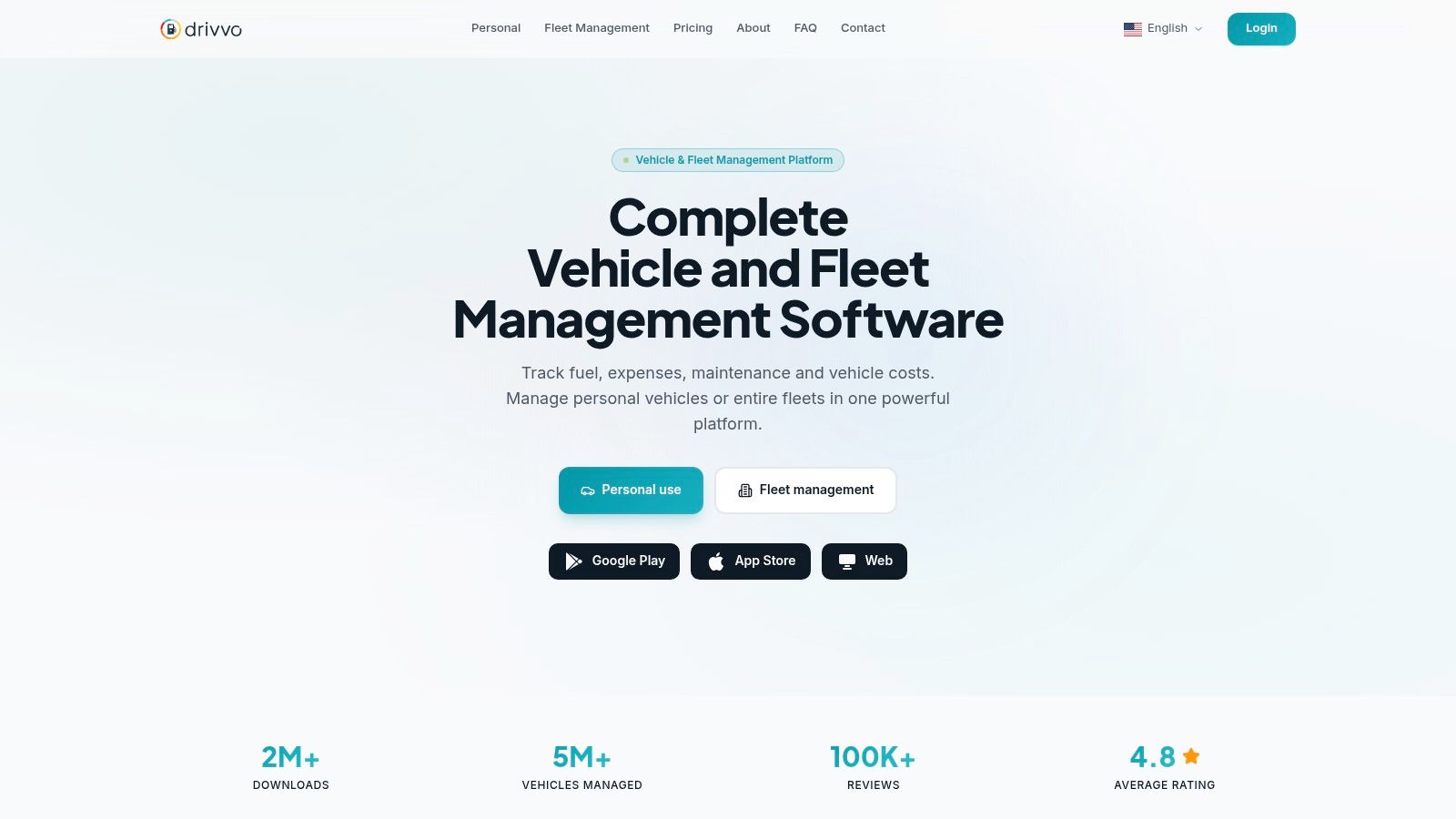
The app is particularly useful for rideshare drivers, freelancers, or small business owners who need to generate expense reports for tax purposes or reimbursement. While the free version offers robust tracking for a single vehicle, the Pro version unlocks its full potential with multi-vehicle support, cloud backup, and the ability to export data to CSV/Excel files. This export function is a key differentiator, allowing for in-depth analysis and record-keeping outside the app.
Key Details & Use Cases
| Feature | Details |
|---|---|
| Pricing | Free basic version; Pro version available for a monthly or annual subscription. |
| Platform | Available on iOS and Android. |
| Best For | Budget-conscious owners, rideshare drivers, and small business fleets needing detailed expense tracking and reporting capabilities. |
Practical Tip for Dallas Drivers: Use Drivvo to log your fuel fill-ups and maintenance visits to Kwik Kar. When tax season arrives, use the Pro version’s export feature to create a clean CSV file of all your vehicle expenses, which you can provide directly to your accountant or use with tax software.
Pros:
- Straightforward interface is useful for cost control.
- Pro version adds cloud backup, removes ads, and supports multiple vehicles.
- Good export options for creating permanent records or reports.
Cons:
- Cloud sync, backup, and data export features are locked behind the Pro subscription.
- Free tier is limited compared to Pro and has ads.
Link: Drivvo
5. Road Trip (iOS)
For the data-driven driver who appreciates polished analytics and a one-time purchase model, Road Trip for iOS is a top-tier choice. This premium app is built for meticulous tracking of fuel, expenses, and maintenance, making it one of the best car maintenance apps for those who want a complete picture of their total cost of ownership (TCO). Its strength lies in its detailed charts and reporting capabilities, which transform raw numbers into easy-to-understand insights.
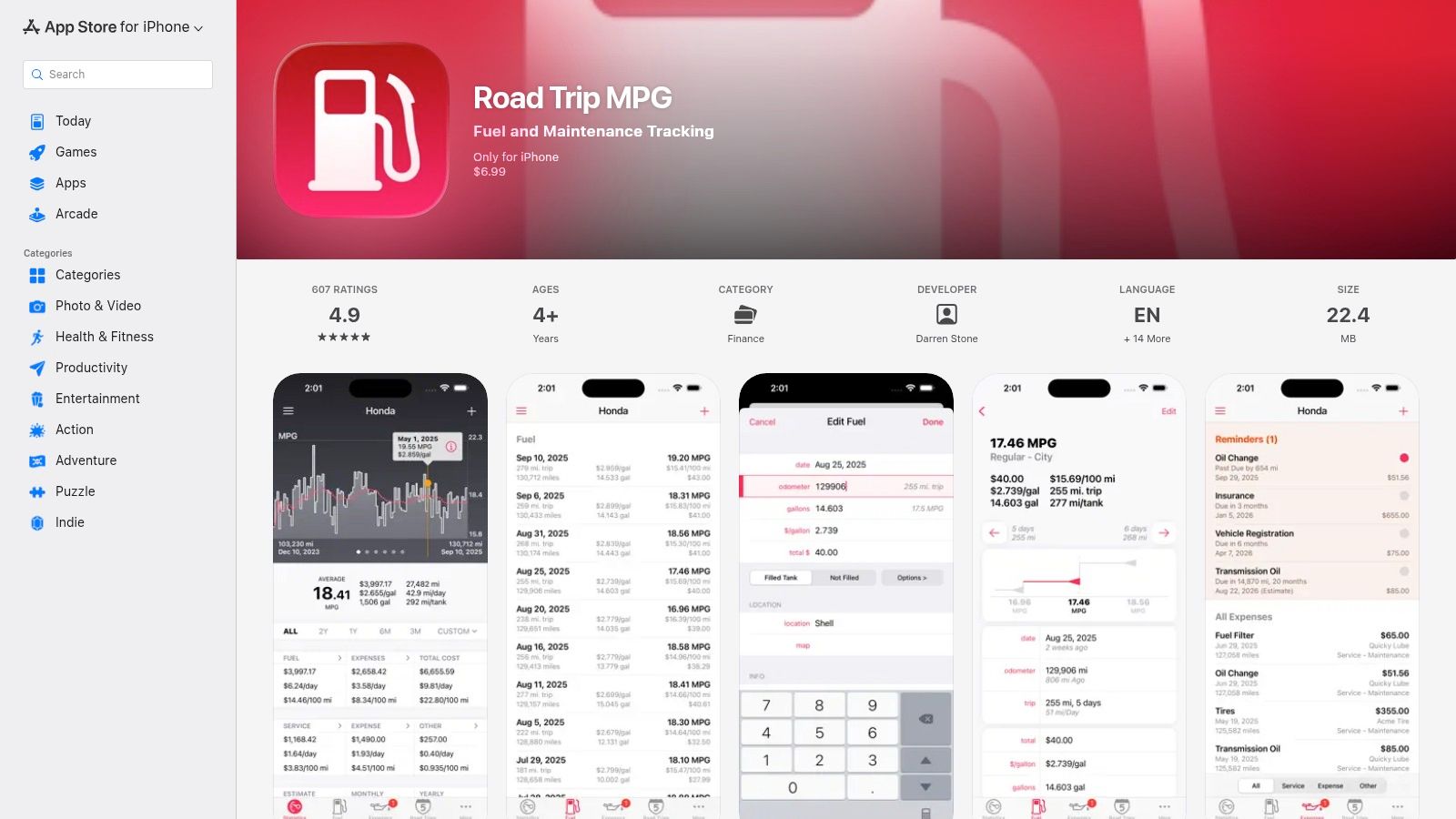
Unlike free, ad-supported apps, Road Trip offers a focused, premium experience without subscriptions. You own the software after a single purchase. The app allows users to log every fill-up, service, and repair with precision, and then generates advanced MPG and cost-per-mile graphs. The ability to export all data to CSV gives you complete control and portability, perfect for personal archiving or creating custom spreadsheets.
Key Details & Use Cases
| Feature | Details |
|---|---|
| Pricing | Paid app with a one-time purchase (no subscriptions). |
| Platform | Available exclusively on iOS. |
| Best For | iOS users who want to deeply analyze vehicle costs, track detailed fuel economy, and maintain a comprehensive log without recurring fees. |
Practical Tip for Dallas Drivers: After a visit to Kwik Kar for an oil change and tire rotation, log the date, mileage, and cost for each service in Road Trip. You can then set a custom reminder for your next 5,000-mile service based on the app's projected mileage, helping you visualize your maintenance spend over time and budget accordingly.
Pros:
- One-time purchase model; no recurring subscription fees.
- Excellent data visualization for TCO and fuel economy.
- Full data export to CSV for maximum flexibility.
Cons:
- Only available on iOS devices.
- No free tier to test features before purchasing.
Link: Road Trip (iOS)
6. MyCar – Smart Car Management
MyCar – Smart Car Management finds its place among the best car maintenance apps by offering a superb balance of simplicity, detailed tracking, and multi-device accessibility. It is designed for the modern vehicle owner who wants a single source of truth for all car-related expenses and services, synced seamlessly across their phone, tablet, and computer. This cross-platform approach is its core strength, ensuring you can log a fuel fill-up on your phone and later analyze yearly costs on your desktop.
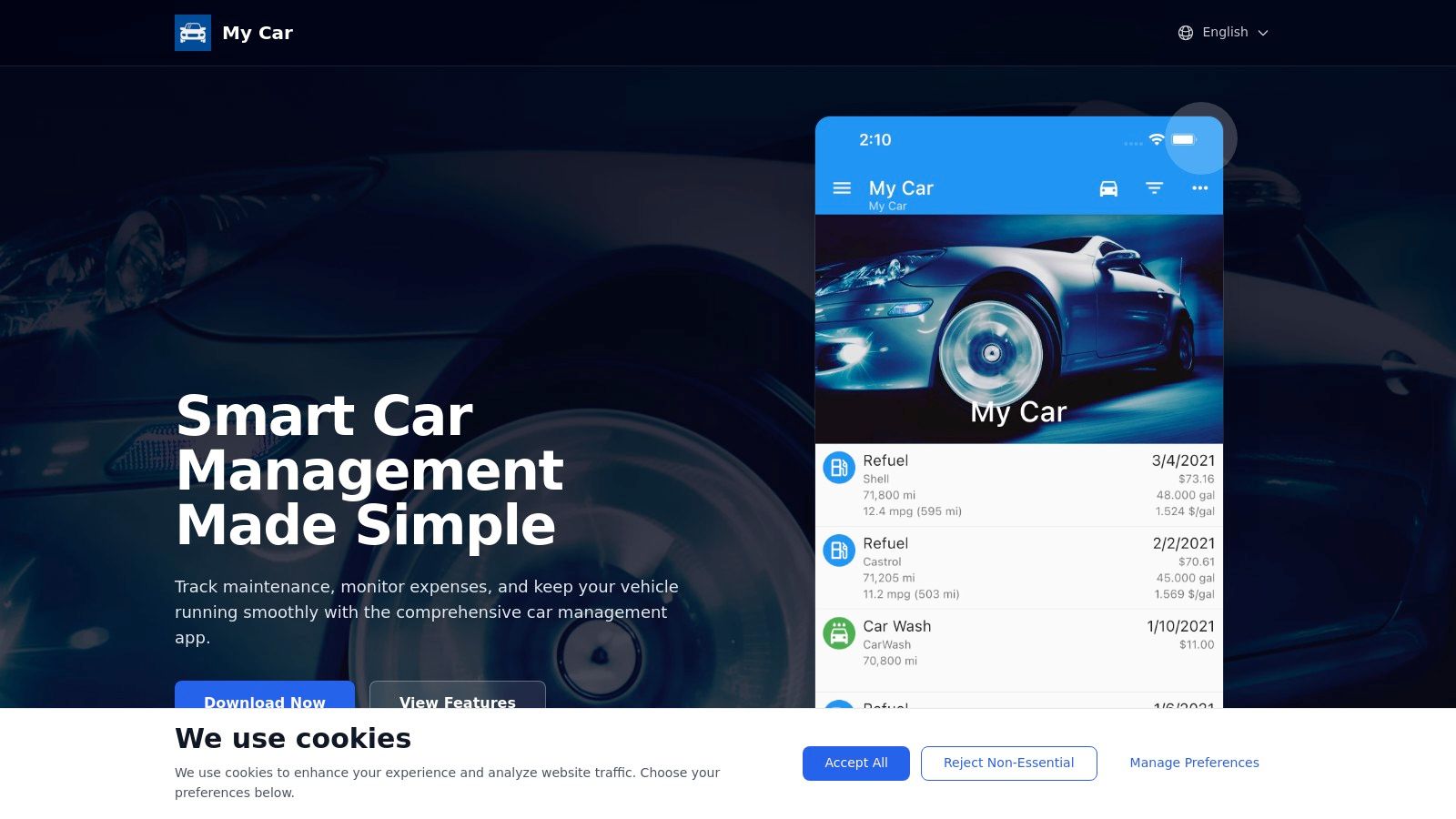
The app goes beyond basic reminders, providing clear reports on fuel consumption, cost-per-mile, and total ownership expenses. By tracking both maintenance and fuel costs, it gives a complete financial picture of your vehicle. Its clean user interface makes data entry quick and viewing insights straightforward, preventing the data-logging process from feeling like a chore. The cloud sync feature ensures your records are always backed up and available, no matter which device you use.
Key Details & Use Cases
| Feature | Details |
|---|---|
| Pricing | Free with a "Pro" version available via in-app purchase for advanced features. |
| Platform | Available on Web, iOS, and Android. |
| Best For | Data-minded drivers who want to track total cost of ownership, including fuel and maintenance, with the convenience of cross-platform cloud sync. |
Practical Tip for Dallas Drivers: Use MyCar to track your mileage and fuel expenses between visits to a Kwik Kar. When you get an oil change or other service, log the cost and date in the app. Over time, the app's reports will give you a precise calculation of your vehicle's total running costs, helping you budget more effectively for both routine maintenance and unexpected repairs.
Pros:
- Multi-platform availability with cloud sync for web, iOS, and Android.
- Clean UI with helpful reports on total costs and fuel economy.
- Easy to use for daily tracking of fuel, services, and other expenses.
Cons:
- Lacks the third-party service-shop integrations of larger platforms.
- Some advanced reporting features are locked behind a Pro subscription.
Link: MyCar – Smart Car Management
7. AUTOsist (Personal and Fleet)
AUTOsist bridges the gap between individual car owners and small fleet managers, offering a robust, professional-grade system for meticulous record-keeping. It operates as an "electronic glovebox," allowing you to store service records, receipts, and important documents in one centralized location accessible via mobile or web. This focus on detailed, shareable histories makes it one of the best car maintenance apps for those who manage multiple vehicles or plan to sell a car and want to provide a verifiable service log.
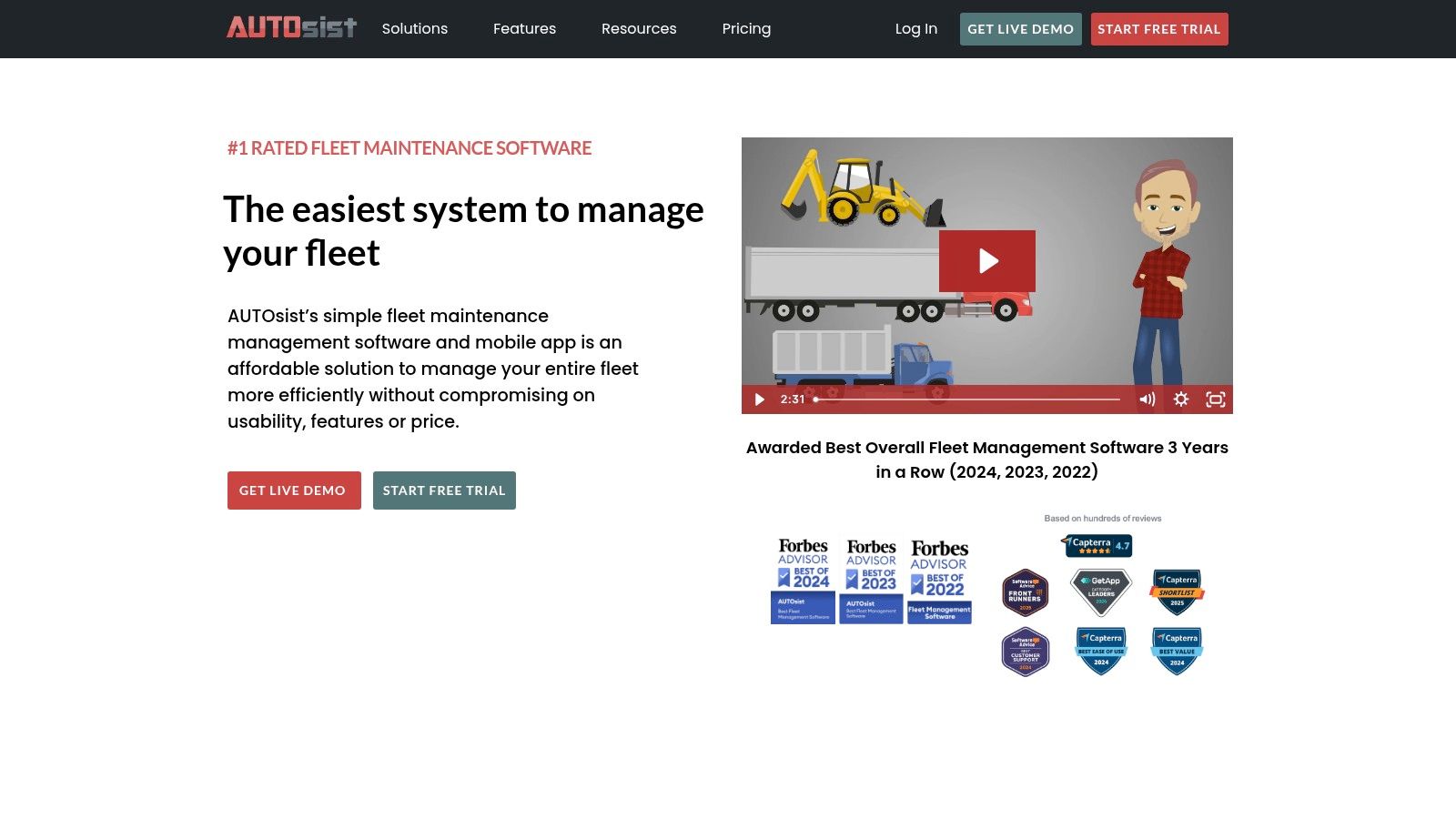
The platform’s strength lies in its scalability. For a family with several cars, it offers a single dashboard to track maintenance for all of them. For a small business, its fleet features, like work order generation and fuel tracking, provide controls typically found in more expensive enterprise software. Transferring a vehicle’s entire service history to a new owner is simple, adding tangible value and transparency to the sale.
Key Details & Use Cases
| Feature | Details |
|---|---|
| Pricing | Free for one vehicle. Paid plans for multiple vehicles or fleet features start at $19/month. |
| Platform | Available on Web, iOS, and Android. |
| Best For | Multi-vehicle households, small business fleet managers, and detail-oriented owners who want professional-level record-keeping and reporting. |
Practical Tip for Dallas Drivers: If you manage a small fleet for your business, use AUTOsist to schedule all your vehicles for inspections or oil changes at a Kwik Kar location. You can then upload the digital or paper receipts directly to the app for each vehicle, creating a unified and easily auditable maintenance record for tax or compliance purposes.
Pros:
- Scales from a single car to a small fleet.
- Excellent for storing documents and receipts.
- Records are easily transferable to a new owner.
Cons:
- Fleet features come at a higher cost.
- Can be overly complex for a single-car owner with simple needs.
Link: AUTOsist
8. Fleetio (Fleet Maintenance)
While most car maintenance apps focus on individual owners, Fleetio is built from the ground up for commercial operators and small businesses managing multiple vehicles. It moves beyond simple reminders, offering a complete system for tracking inspections, scheduling preventive maintenance, managing work orders, and monitoring expenses like fuel and repairs. The platform’s strength is in its automation and detailed reporting, making it an indispensable tool for anyone whose business depends on vehicle uptime.
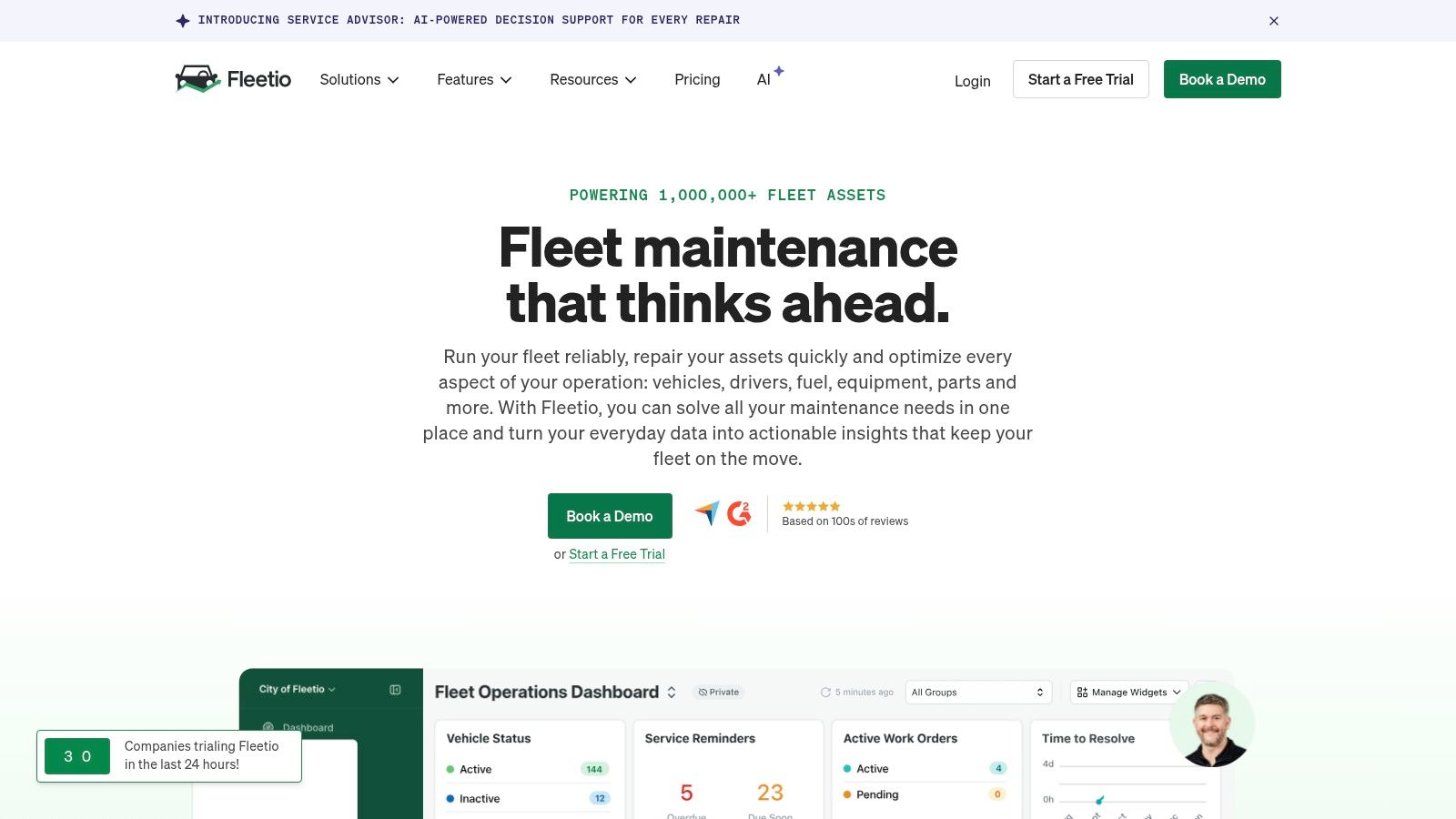
The platform shines with its mobile app, Fleetio Go, which empowers drivers to conduct digital vehicle inspections and log service entries or fuel purchases directly from the field. This real-time data feeds into a central dashboard, giving managers a clear view of fleet health and operational costs. For businesses that need to track total cost of ownership (TCO) and ensure compliance, Fleetio provides the data-driven foundation necessary for making informed decisions.
Key Details & Use Cases
| Feature | Details |
|---|---|
| Pricing | Tiered monthly plans based on the number of vehicles, with a free trial available. |
| Platform | Available on Web, iOS, and Android. |
| Best For | Fleet managers, small business owners, and commercial operators who need a professional-grade system for managing five or more vehicles. |
Practical Tip for Dallas Drivers: A Dallas-based delivery or service business can use Fleetio to schedule all their vehicles for state inspections and oil changes at Kwik Kar. The manager can create a service entry in Fleetio, assign it to a driver, and the driver can upload the Kwik Kar receipt via the mobile app, keeping all records centralized. This process is a key part of an effective fleet preventive maintenance program that reduces downtime.
Pros:
- Clear, public pricing with a free trial to test functionality.
- Mature mobile app widely adopted in U.S. fleets.
- Strong reporting and integration capabilities with telematics and APIs.
Cons:
- Best value is realized with 5+ assets; not cost-effective for individuals.
- Enterprise-level features can be overly complex for casual users.
Link: Fleetio
9. FIXD (sensor + app)
FIXD bridges the gap between a standard maintenance log and a powerful diagnostic tool by pairing a physical OBD-II sensor with a user-friendly app. Instead of just tracking service dates, it actively diagnoses your "check engine" light, translating cryptic error codes into plain English. This approach empowers drivers to understand the severity of an issue before heading to the shop, preventing unnecessary panic over minor problems.
The platform’s key strength is making vehicle diagnostics accessible. Once you plug the sensor into your car’s OBD-II port, it syncs via Bluetooth, allowing you to read and clear codes directly from your phone. The app not only tells you what’s wrong but also provides maintenance timelines based on your vehicle's make and model. The premium version expands on this by offering repair cost estimates, giving you a baseline for what to expect when seeking professional service. For businesses, understanding an ultimate fleet vehicle maintenance checklist is essential, and a tool like FIXD can provide the real-time data needed to manage vehicle health effectively across multiple cars.
Key Details & Use Cases
| Feature | Details |
|---|---|
| Pricing | One-time sensor purchase (approx. $59.99). Optional Premium subscription for advanced features. |
| Platform | iOS and Android, requires a Bluetooth-enabled smartphone. |
| Best For | Drivers who want to demystify the check engine light, track maintenance needs, and diagnose issues themselves before visiting a mechanic. |
Practical Tip for Dallas Drivers: If your check engine light comes on, use the FIXD app to identify the error code. Then, when you bring your vehicle to Kwik Kar for service, you can share this information with the technician. This context can speed up the diagnostic process and helps you better understand the repair being performed. You can learn more about the importance of a professional car diagnostic test to confirm the app's findings.
Pros:
- Translates complex error codes into simple, understandable language.
- One-time hardware purchase provides core diagnostic functionality.
- Allows users to clear minor, non-critical check engine lights.
Cons:
- Requires a physical sensor to be purchased and installed.
- The app's interface can sometimes feel geared toward upselling the Premium subscription.
Link: FIXD
10. BlueDriver (sensor + app)
For the hands-on car owner who wants to understand what’s happening under the hood before heading to the shop, BlueDriver stands out as a top-tier diagnostic tool. It combines a proprietary OBD-II sensor with a robust mobile app, moving beyond basic code reading to offer enhanced diagnostics, live data streams, and repair reports. This makes it one of the best car maintenance apps for diagnosing issues yourself, from a simple check engine light to more complex system-specific codes.
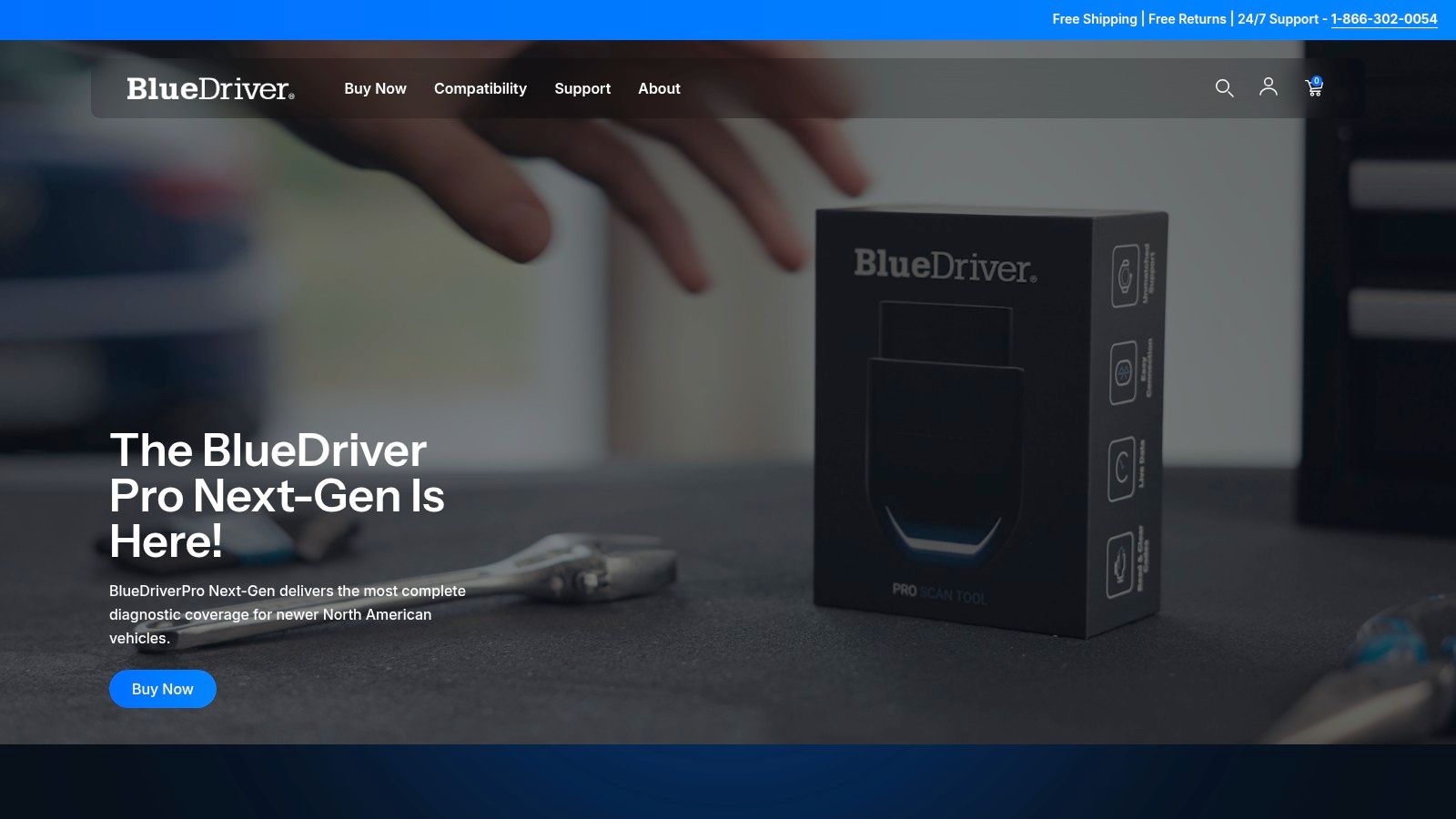
The system’s true power lies in its ability to generate repair reports that suggest possible causes and verified fixes for specific trouble codes. A key feature for Dallas drivers is the Emissions Readiness Check, also known as a Smog Check. This allows you to verify if your vehicle’s monitors are ready for a state inspection, potentially saving you the time and money of a failed test. It gives you a clear "go" or "no-go" signal before you visit an inspection station.
Key Details & Use Cases
| Feature | Details |
|---|---|
| Pricing | One-time purchase of the BlueDriver sensor (around $100); the app and its features are free. |
| Platform | Requires BlueDriver OBD-II sensor. App available on iOS and Android. |
| Best For | DIY-inclined vehicle owners who want to diagnose check engine lights, check emissions readiness, and access professional-grade data before a repair. |
Practical Tip for Dallas Drivers: Before heading to Kwik Kar for your annual Texas state inspection, plug in your BlueDriver and run the Smog Check feature. If any monitors are "Not Ready," you can address the underlying issue first, preventing a failed inspection and re-test fee. You can then share the specific trouble codes with the Kwik Kar technicians for a more efficient diagnosis.
Pros:
- Core features are available without an ongoing subscription.
- Provides enhanced diagnostic codes (e.g., ABS, airbag, transmission) for many makes.
- Well-documented support and highly respected among DIYers.
Cons:
- Requires the one-time purchase of proprietary BlueDriver hardware.
- Recent app updates introduced a required account sign-in, which some long-time users dislike.
Link: BlueDriver
11. Car Scanner ELM OBD2
Car Scanner ELM OBD2 stands out as one of the best car maintenance apps for drivers who want to dive into diagnostics without a significant investment. It transforms your smartphone into a powerful diagnostic tool by connecting to a low-cost, third-party ELM327 OBD2 adapter. This setup allows you to read and clear engine fault codes, monitor live sensor data, and check your vehicle’s emissions readiness status right from your phone.
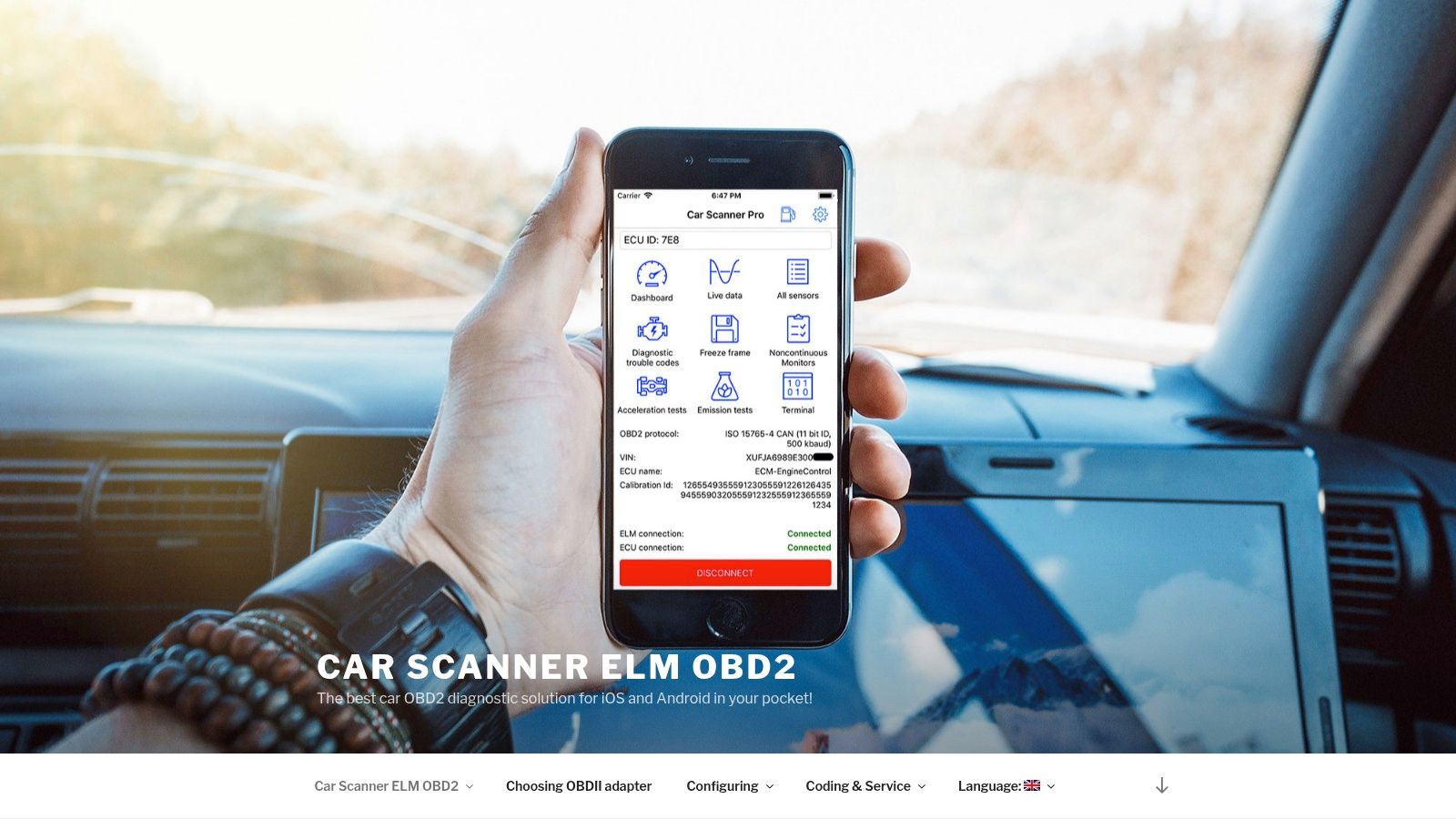
The app’s strength lies in its broad compatibility and customization. It works with a huge range of affordable adapters and vehicles, making it accessible for almost any modern car owner. Users can create custom dashboards to display the specific data they care about, from coolant temperature to fuel trim. For those interested in deeper diagnostics, understanding the full process of using an OBD2 reader can help you get the most out of the app’s features and interpret the data more effectively.
Key Details & Use Cases
| Feature | Details |
|---|---|
| Pricing | Free version with ads; a very inexpensive Pro upgrade unlocks all features. |
| Platform | Available on iOS, Android, and Windows. |
| Best For | DIY enthusiasts and budget-conscious drivers who want to perform basic diagnostics, clear check engine lights, and monitor vehicle health. |
Practical Tip for Dallas Drivers: Before heading to Kwik Kar for your annual state inspection, use the Car Scanner app to run an I/M readiness (smog) check. This quick test confirms if your vehicle's emissions systems are functioning correctly, helping you identify and address potential issues that could cause an inspection failure.
Pros:
- Very low cost of entry with common ELM327 adapters.
- Adapter-agnostic and frequently updated for broad compatibility.
- Strong community support and positive user feedback.
Cons:
- Functionality can vary based on the quality of your adapter and vehicle.
- Advanced manufacturer-specific functions are limited.
Link: Car Scanner ELM OBD2
12. OBD Fusion
For drivers who want to dive deep into their vehicle’s onboard diagnostics, OBD Fusion offers a powerful and polished experience. This app turns your smartphone into a professional-grade scan tool, allowing you to read and clear trouble codes, monitor live data streams, and create custom dashboards. It stands out from many free alternatives with its maturity, extensive customization options, and cross-platform support.
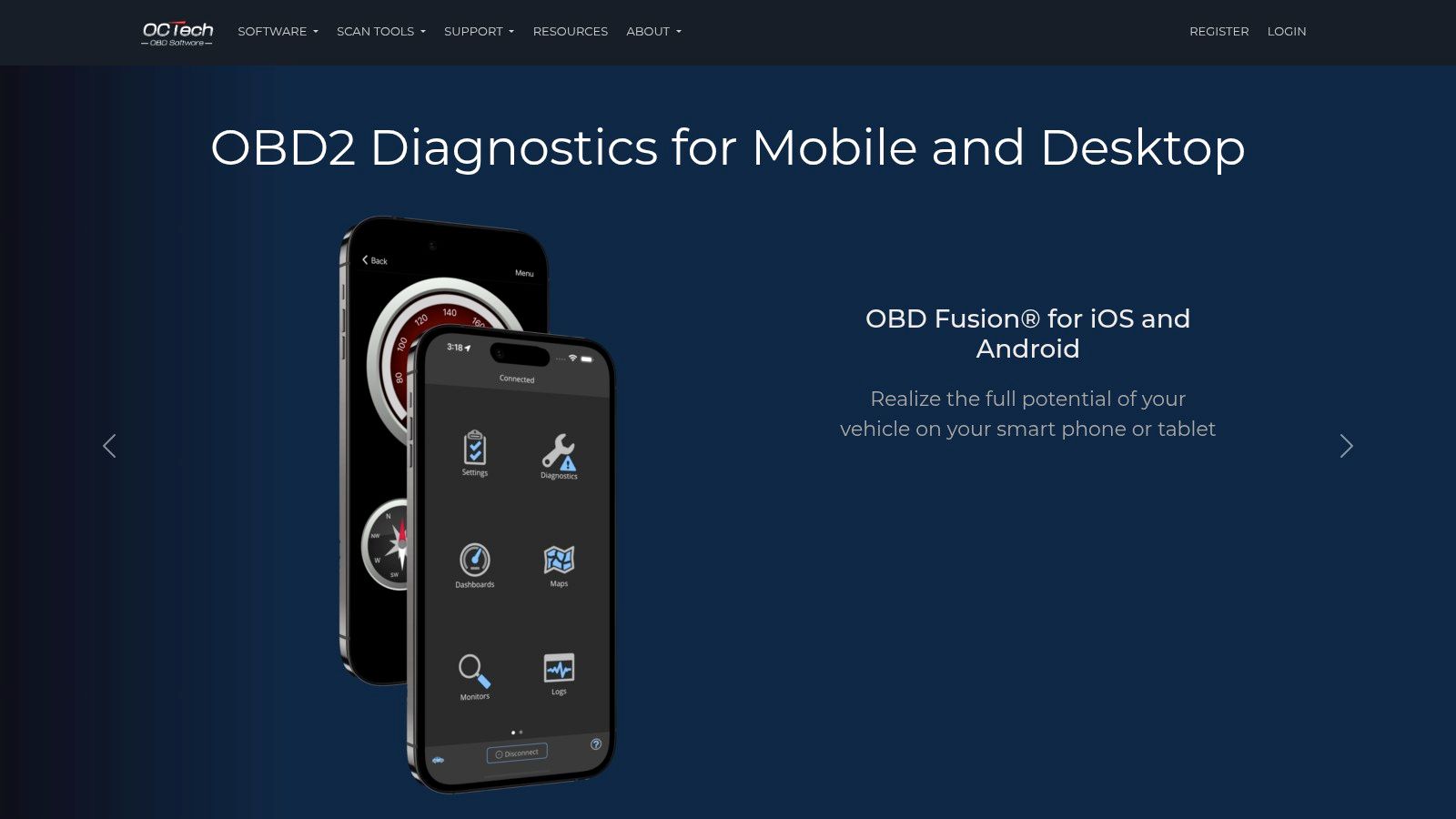
Unlike basic code readers, OBD Fusion provides tools like emissions readiness checks, which are essential for pre-testing your vehicle before a state inspection. The ability to purchase optional enhanced data packs for specific manufacturers (like Ford, GM, or Toyota) unlocks dealer-level diagnostics. This makes it one of the best car maintenance apps for DIY mechanics and enthusiasts who demand more than just surface-level information and want the option for deeper analysis on a desktop computer.
Key Details & Use Cases
| Feature | Details |
|---|---|
| Pricing | One-time purchase ($9.99 on iOS, $4.99 on Android) with optional in-app purchases for enhanced data packs. |
| Platform | Available on iOS, Android, and has a companion app for Windows/macOS. |
| Best For | DIY-focused drivers and enthusiasts who want to perform their own diagnostics, clear check engine lights, and monitor real-time vehicle performance. |
Practical Tip for Dallas Drivers: Before heading to Kwik Kar for your annual Texas state inspection, use OBD Fusion and a compatible adapter to run an emissions readiness check. This pre-check can identify potential issues with your oxygen sensors or catalytic converter, giving you a chance to address them beforehand and avoid a failed inspection.
Pros:
- Mature app with extensive customization and stable performance.
- Cross-platform support, including a Windows/macOS desktop client for data analysis.
- Offers advanced, manufacturer-specific diagnostics via paid add-ons.
Cons:
- Requires an initial app purchase plus the cost of optional add-ons.
- Functionality is dependent on pairing it with a quality OBD-II adapter.
Link: OBD Fusion
Top 12 Car Maintenance Apps — Feature Comparison
| Product | Core features | Quality ★ | Price/Value 💰 | Target audience 👥 | Unique selling points ✨🏆 |
|---|---|---|---|---|---|
| CARFAX Car Care (myCARFAX) | VIN/plate service history, recall alerts, shop finder, web/mobile | ★★★★ | 💰 Free | 👥 Owners & used‑car shoppers who want auto reminders | ✨ Auto-populated service history; 🏆 broad U.S. data & recall coverage |
| Simply Auto (Mobifolio) | Fuel, services, expenses, reminders, cloud sync, auto-trip | ★★★★ | 💰 Freemium (inexpensive upgrades) | 👥 Owners wanting an all‑in‑one log with exports | ✨ Cross‑platform cloud sync; easy export/reporting |
| Fuelly (MPG & Service) | Fuel & service logs, sync with Fuelly.com, attachments (sub) | ★★★★ | 💰 Freemium (subscription for extras) | 👥 MPG-focused drivers & community members | ✨ Large MPG dataset; 🏆 community-driven stats |
| Drivvo | Refuels, maintenance, expenses, CSV/Excel export (Pro), multi-vehicle | ★★★★ | 💰 Freemium → Pro for cloud/exports | 👥 Everyday owners & rideshare drivers tracking costs | ✨ Straightforward cost-control tools; good export options |
| Road Trip (iOS) | Fuel, expenses, maintenance reminders, advanced MPG/cost charts, CSV | ★★★★★ | 💰 Paid (one-time iOS purchase) | 👥 iOS users wanting polished TCO insight | ✨ Excellent data visualization; 🏆 one-time purchase model |
| MyCar – Smart Car Management | Maintenance reminders, fuel/expense tracking, cloud sync, reports | ★★★★ | 💰 Freemium (IAPs) | 👥 Multi-device owners seeking simple tracking | ✨ Cross-platform sync with clear TCO/MPG insights |
| AUTOsist (Personal & Fleet) | PM scheduling, document/receipt storage, work orders, reporting | ★★★★★ | 💰 Subscription (higher for fleets) | 👥 Multi-vehicle households & small fleets | ✨ Electronic glovebox & shareable histories; 🏆 professional recordkeeping |
| Fleetio (Fleet Maintenance) | Preventive maintenance automation, inspections, fuel/cost capture, APIs | ★★★★★ | 💰 Subscription (fleet pricing; free trial) | 👥 Commercial fleets & fleet managers | ✨ Robust reporting & integrations; 🏆 industry‑leading fleet platform |
| FIXD (sensor + app) | OBD-II code read/clear, code explanations, maintenance timelines (Premium) | ★★★★ | 💰 Hardware + Freemium (Premium for estimates) | 👥 DIY owners wanting basic diagnostics before shop visits | ✨ Plug‑and‑play OBD sensor with plain‑English explanations |
| BlueDriver (sensor + app) | Proprietary dongle, enhanced trouble codes, live data, emissions checks | ★★★★★ | 💰 Hardware purchase (core features no subscription) | 👥 DIYers & pre-inspection tech users | ✨ Manufacturer‑level enhanced codes; 🏆 trusted by DIY community |
| Car Scanner ELM OBD2 | Read/clear codes, live data dashboards, smog/readiness, adapter support | ★★★★ | 💰 Very low entry cost (ELM327 + inexpensive Pro) | 👥 Tinkerers & budget-conscious diagnosticians | ✨ Adapter-agnostic and frequently updated; low cost of entry |
| OBD Fusion | Read/clear codes, live data, custom PIDs, emissions checks, desktop client | ★★★★★ | 💰 Paid app + optional add-ons | 👥 Power users and desktop/analysis enthusiasts | ✨ Deep customization and desktop companion; 🏆 mature OBD feature set |
Final Thoughts
Navigating the world of automotive care has fundamentally shifted. What once relied on glove box manuals and easily lost paper receipts can now be managed from the palm of your hand. Throughout this guide, we've explored a diverse lineup of the best car maintenance apps, each offering a unique approach to keeping your vehicle in prime condition. From the straightforward logbook simplicity of CARFAX Car Care to the deep diagnostic power of OBD-II sensor apps like BlueDriver and FIXD, the right digital tool is out there for every type of car owner.
The central takeaway is that there is no single "perfect" app for everyone. Your ideal choice depends entirely on your specific needs, your technical comfort level, and the goals you have for your vehicle or fleet. The key is to move from a reactive "fix-it-when-it-breaks" mindset to a proactive, data-driven maintenance strategy. These applications are the bridge to that more organized, cost-effective approach.
Choosing Your Co-Pilot: A Needs-Based Approach
Selecting the right app requires a moment of honest self-assessment. To simplify your decision, consider which of these user profiles best describes you:
- For the Everyday Driver: If your main goal is to never miss an oil change and keep a simple digital record of services, apps like CARFAX Car Care or Simply Auto are excellent starting points. Their strength lies in their user-friendly interfaces and automated reminders, making routine care effortless.
- For the Data-Driven Enthusiast: For those who meticulously track every fill-up and want to analyze fuel economy trends, Fuelly or Drivvo offer robust expense and MPG tracking. These are perfect for budget-conscious drivers or anyone curious about their vehicle's real-world performance.
- For the Hands-On DIYer: If you prefer to get under the hood yourself or want to have an informed conversation with your mechanic, an OBD-II scanner app is essential. A tool like Car Scanner ELM OBD2 or OBD Fusion, paired with a compatible sensor, provides direct access to your car's brain, letting you read and clear trouble codes and monitor live data.
- For the Dallas Fleet Manager: Managing multiple vehicles demands a more powerful solution. AUTOsist and Fleetio are built for this purpose, providing centralized control over service schedules, inspections, driver assignments, and total cost of ownership for your entire fleet.
Implementation: From Download to Daily Driver
Once you've chosen an app, successful integration is the next critical step. Begin by populating it with as much historical data as you can find. Dig up old receipts for oil changes, tire rotations, and major repairs. This initial time investment creates a comprehensive baseline that makes future tracking more valuable.
For Dallas drivers, the next step is to connect your digital log with a trusted local service provider. When you get your next oil change or state inspection at Kwik Kar, show your service advisor your app's history. This gives them immediate context on your vehicle's background, preventing redundant services and helping them spot potential issues before they become major problems. After the service, diligently input the new record, the date, the mileage, and the cost. This simple habit, taking only a minute, is what transforms these apps from a novelty into a powerful long-term maintenance partner.
Ultimately, the best car maintenance apps are those that you consistently use. The most feature-rich program is useless if its complexity causes you to abandon it. Start with a clear goal, choose a tool that aligns with your habits, and commit to making it a part of your car ownership routine. By doing so, you're not just organizing receipts; you're actively protecting your investment, improving your vehicle's safety, and saving significant money over the life of your car.
Ready to pair your new app with professional, reliable service? The team at Kwik Kar Oil Change and Auto Care is here to help you implement your proactive maintenance plan. We can help you interpret diagnostic codes from your OBD-II scanner and ensure your service history is accurately updated after every visit, making us the perfect real-world partner for your digital tool. Schedule your next service with us and see how technology and expert care can work together.